
No credentials
A public offer link is the whole input. No Allegro login, no API key, no OAuth — Marzi reads what any shopper can see.
Smart Pricing reads the product card behind your offer — every competing seller of the same item — keeps the offers that actually sell and recommends a price: competitive, balanced or above your margin floor. Every figure it used is printed next to the number. It reads; it never touches your Allegro.

On a real Gerlach pan card, 786 of 901 buyers paid 110.44 zł while the median of all 51 offers said 209 zł. A seller at 199 zł was not “slightly under the market” — they were 80 % above the price that sells. Smart Pricing measures the market where the money goes and says so.
One allegro.pl offer link — or up to a hundred, pasted one per line or uploaded as a CSV with a price and a cost column. Marzi reads the public offer page and the product card behind it. Nothing is asked of your Allegro account, because nothing is written to it.

On the product card, every seller’s offer is read with its title. Sets and multipacks, other sizes and other products are left out by rules, then by a judge model on what the rules cannot decide. One seller counts once. When enough competitors have buyers, they are the market; parked listings are counted and named, not priced against.
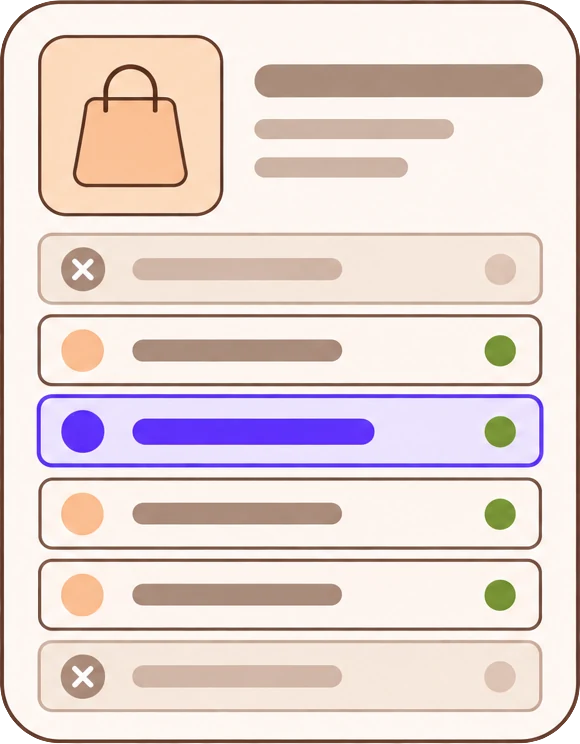
The recommended price sits at the top with its confidence. Beside it your price and the median; under it the reasons — how many competitors are below you, where the buy box is, what the trend did. Switch to Competitive or Margin, type a cost, simulate any price: the same market, re-priced without another read.

Every figure on the screen has the page it was taken from and the method printed next to it. These are the parts.
A public offer link is the whole input. No Allegro login, no API key, no OAuth — Marzi reads what any shopper can see.
Sets, multipacks, other sizes and other products attached to the card are left out — by rules for what words and numbers can tell, by a judge model for the rest — and shown in a list with the reason.
When enough competitors have buyers in the last 30 days, the median and the anchor are theirs; the parked listings are counted, not priced against. The demand-weighted median shows where the money goes.
Competitive sits just under the leading offer; Balanced weighs it against the median, the trend and the competition; Margin is Balanced, never below cost plus your minimum margin.
Every statement comes from a figure that went into the calculation: competitors below you, the buy box, the median, the trend, what was left out. Confidence is scored from six readings and shown as a number.
Nothing is written to Allegro. A recommendation that moves your price by more than the threshold carries a warning; insufficient data is said, never guessed.
Marzi says which is which on the screen itself. Here is the short version for Smart Pricing.
Before the first listing goes up, paste a competitor’s offer and see the price the product actually sells at — not the one the parked listings show.
A hundred SKUs in one CSV, one recommended price each with the reasons, and a re-run whenever the shelf moves.
The price the market clears at, per product, with the resellers who sell and the ones who only list — for a pricing policy built on readings.
No. The input is a public offer link. Marzi reads the offer page and the product card the way a shopper would. There is no login, no API key and no write of any kind — the price on Allegro stays yours to set.
The other sellers of the same product card, one per seller, the same single item only: a two-pan set on a pan card, a 24 cm pan on a 28 cm card, a pancake pan or a bundle with a case are left out and listed with the reason. When enough of the rest have buyers in the last 30 days, those are the market.
Competitive sits just under the leading offer — the buy box or the cheapest selling competitor. Balanced weighs that point against the median, pulled towards it when the market is falling or crowded. Margin is Balanced, never below your cost plus the minimum margin you enter.
A score from six readings: how the product was matched, how many relevant competitors were priced, how complete and fresh the data is, how tight the spread is, and whether there is history. It is not a probability of a sale, and it is shown as a number, not only a colour.
The analysis says so and names the reason — product not matched, fewer than two relevant competitors, stale market data — instead of showing a price. Nothing is computed artificially.
Up to 100 in one run: pasted one per line, or a CSV with offer_url and optional current_price and cost columns, previewed row by row before the run. Duplicates are analyzed once; a link that fails never stops the others.
7 days, no card required. The whole index, your trackers and the MCP endpoint are live from your first sign-in.